 Hush Minutes

Hush Ask
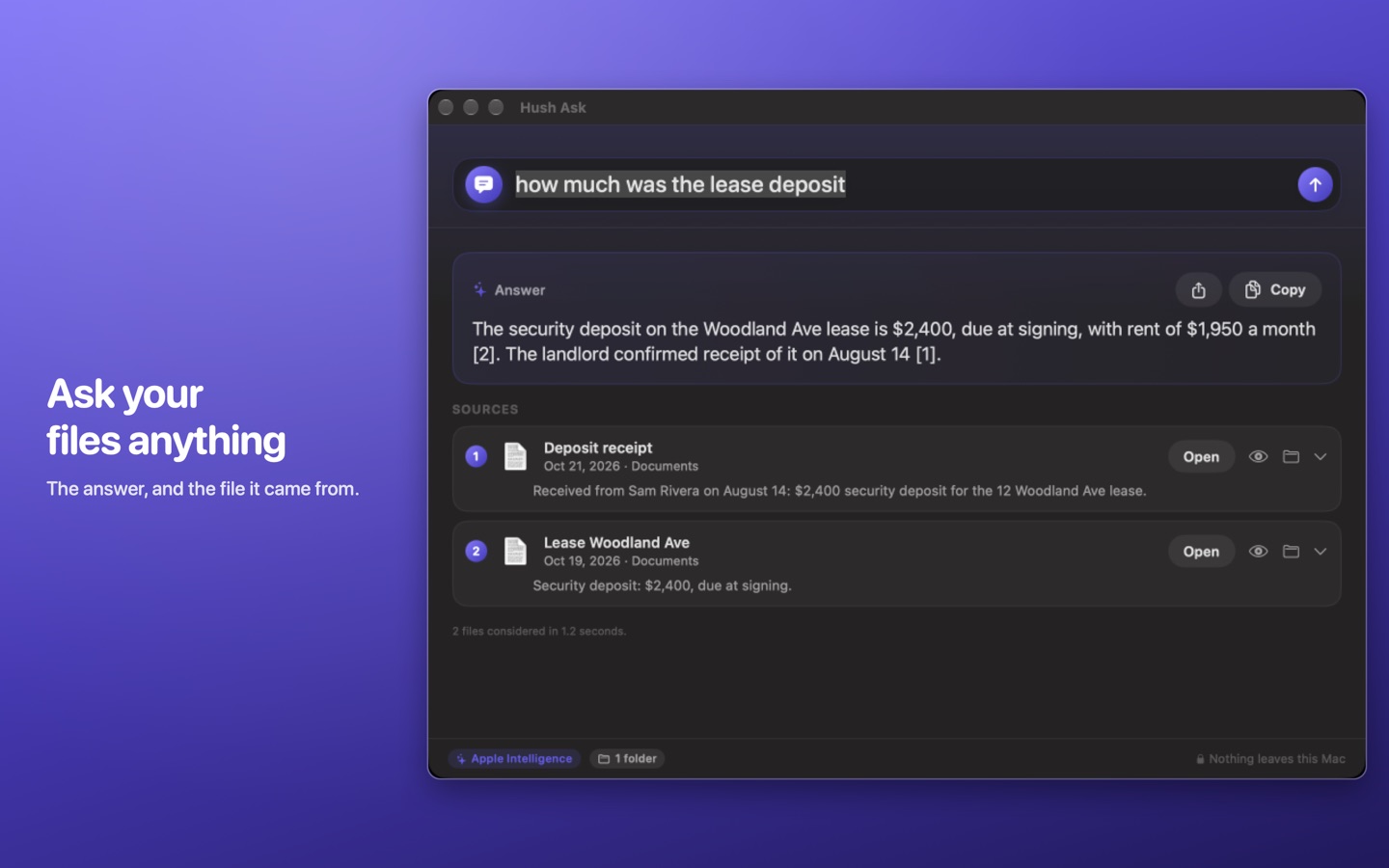
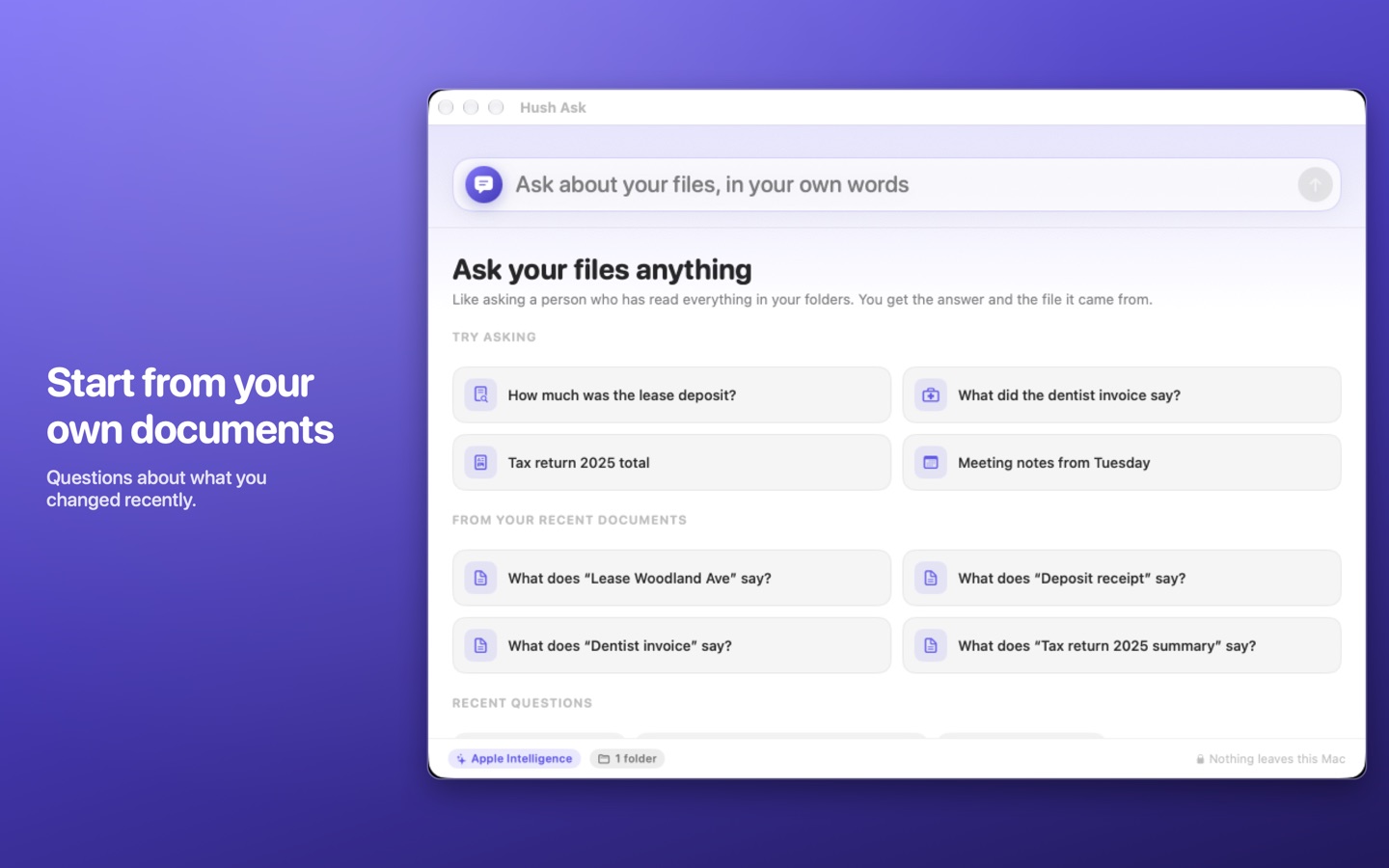
Ask your files a question in your own words and get the answer, with the file it came from. Read on your Mac; nothing is uploaded.
For Mac (macOS 14 or later). US$9.99 once: no account, no subscription. Coming soon to the Mac App Store.
What it does
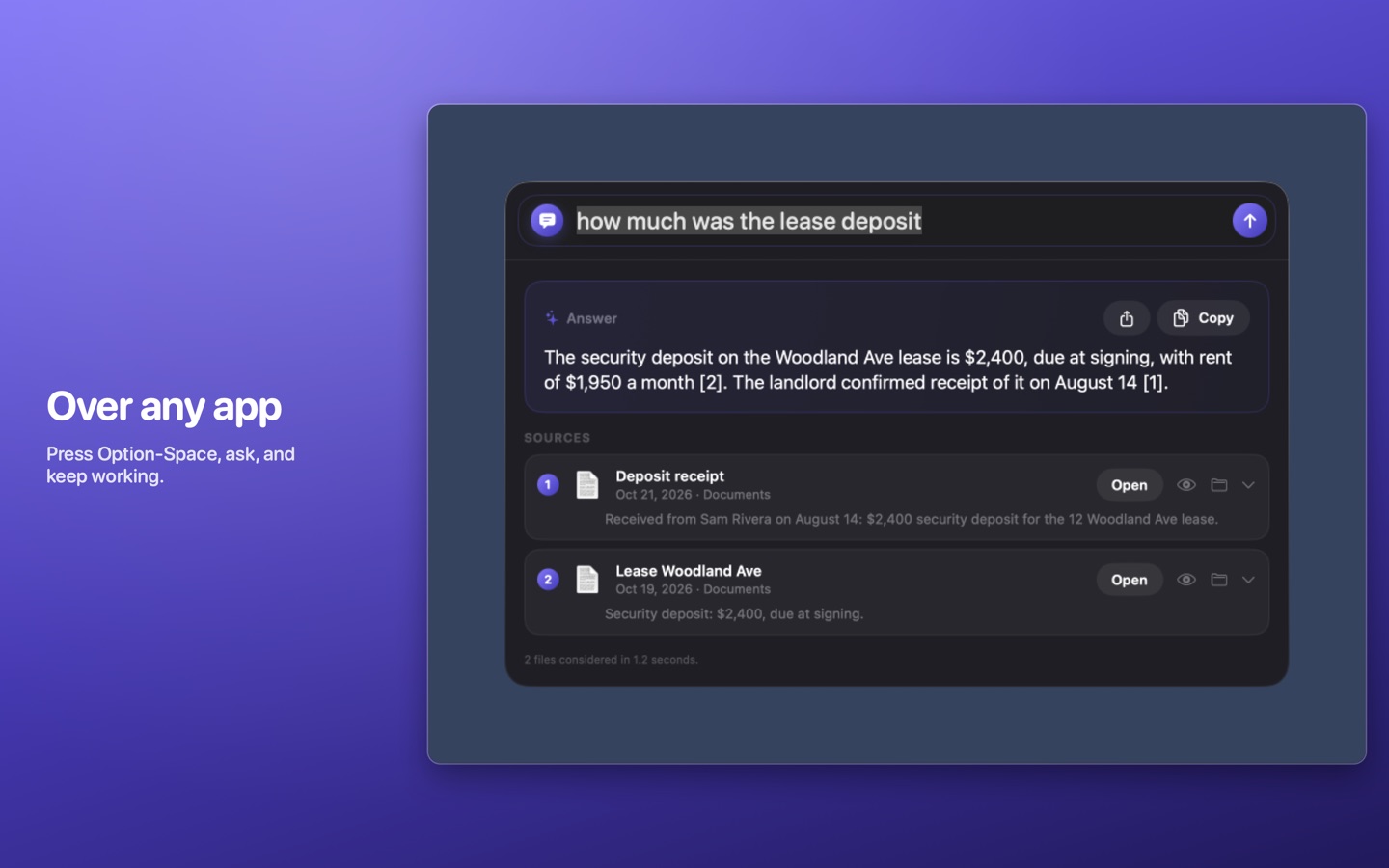
- Option-Space over any app. The panel floats over your work like Spotlight. Type a question, press Return, read the answer.
- Answers cite their sources. Every answer names the files it used, so you can check it in a click.
- You choose what it may read. Pick the folders once. Choosing your home folder covers Documents, Desktop, Downloads and iCloud Drive.
- Reads what you keep. PDF, Word, Excel, PowerPoint, text, Markdown and CSV, and screenshots or photos when a question asks for them.
- The AI your Mac already has. With macOS 26 and Apple Intelligence turned on, Apple's on-device model writes a short answer in two or three sentences. On earlier macOS, or without Apple Intelligence (including every Intel Mac), it still finds and ranks the files and quotes the best sentence from the best one, with the same sources listed.
The App Store version does not read Mail or Apple Notes; macOS does not let store apps open them.
Privacy
Hush Ask reads your files on your Mac and nowhere else. No file, question or answer is sent to us or to anyone. There is no account, no analytics and no advertising, and the App Store lists it as Data Not Collected. It reads only the folders you choose. It keeps no index of its own: it asks the Spotlight index your Mac already keeps which files might hold the answer, reads those files while it answers, and keeps nothing afterwards. Your recent questions are remembered in the app's settings, and you can turn that off or clear them. Read the full Hush Ask privacy policy.
Support
Write to support@hushminutes.com or use the contact form, and say it is about Hush Ask. A person answers. Never send a file you would not want read; a description is enough.
- It does not find something I know is there. Check the file is inside a folder you chose in Settings, and that the folder is not excluded from Spotlight in System Settings.
- I get a quoted sentence, not a written answer. Written answers need macOS 26 with Apple Intelligence switched on in System Settings.
- Refunds. Purchases are made through Apple, and Apple handles refunds at reportaproblem.apple.com.