 Hush Minutes
Hush Steno
Realtime court reporting on iPad, iPhone and Mac. Write from your steno machine, translate with your own dictionaries, send realtime to the room and captions to Zoom, and deliver certified transcripts. No account, and nothing uploaded.
For iPad, iPhone (in landscape), Windows and Mac. Free to download, with Hush Steno Pro US$99 once: no subscription. Try everything free for 7 days. On the App Store now for iPad and iPhone, and on the Microsoft Store for Windows; the Mac version is coming soon. One App Store purchase covers iPad, iPhone and Mac; Windows is bought on the Microsoft Store.
Get it on the App Store Get it on the Microsoft Store
Your machine
- Steno keyboards, such as the EcoSteno, Multisteno, StenoKeyboards Uni and Polyglot, Georgi and Starboard, in keyboard (NKRO) mode over USB or Bluetooth, on every device and any keyboard layout. A key map, presets and plover.cfg import, and a guard for stuck keys.
- Stenograph Luminex, Luminex II and Diamante over Wi-Fi. After a dropped connection, Hush Steno catches up on every stroke written during the drop. New in 1.0: tell me how it works with your writer.
- On a Mac, USB writers that speak Gemini PR, TX Bolt or Stentura, Stenograph writers over USB, and Plover HID boards. New in 1.0.
- A built-in steno keyboard on the screen, for practice and for when your machine is not with you.
On iPad and iPhone, writers that connect by USB serial or Bluetooth serial cannot work yet: Apple does not let apps open those connections. Use Wi-Fi, keyboard mode, or a Mac.
Your dictionaries
- Import Plover JSON, or RTF/CRE from Case CATalyst, Eclipse, ProCAT and StenoCAT, with accents and conflicts intact. Or get Plover's free dictionary in one tap.
- Define on the fly for every job or just one, and fix every copy of an untranslate at once.
- Plover formatting and commands, and English and Spanish suffix rules.
The live transcript
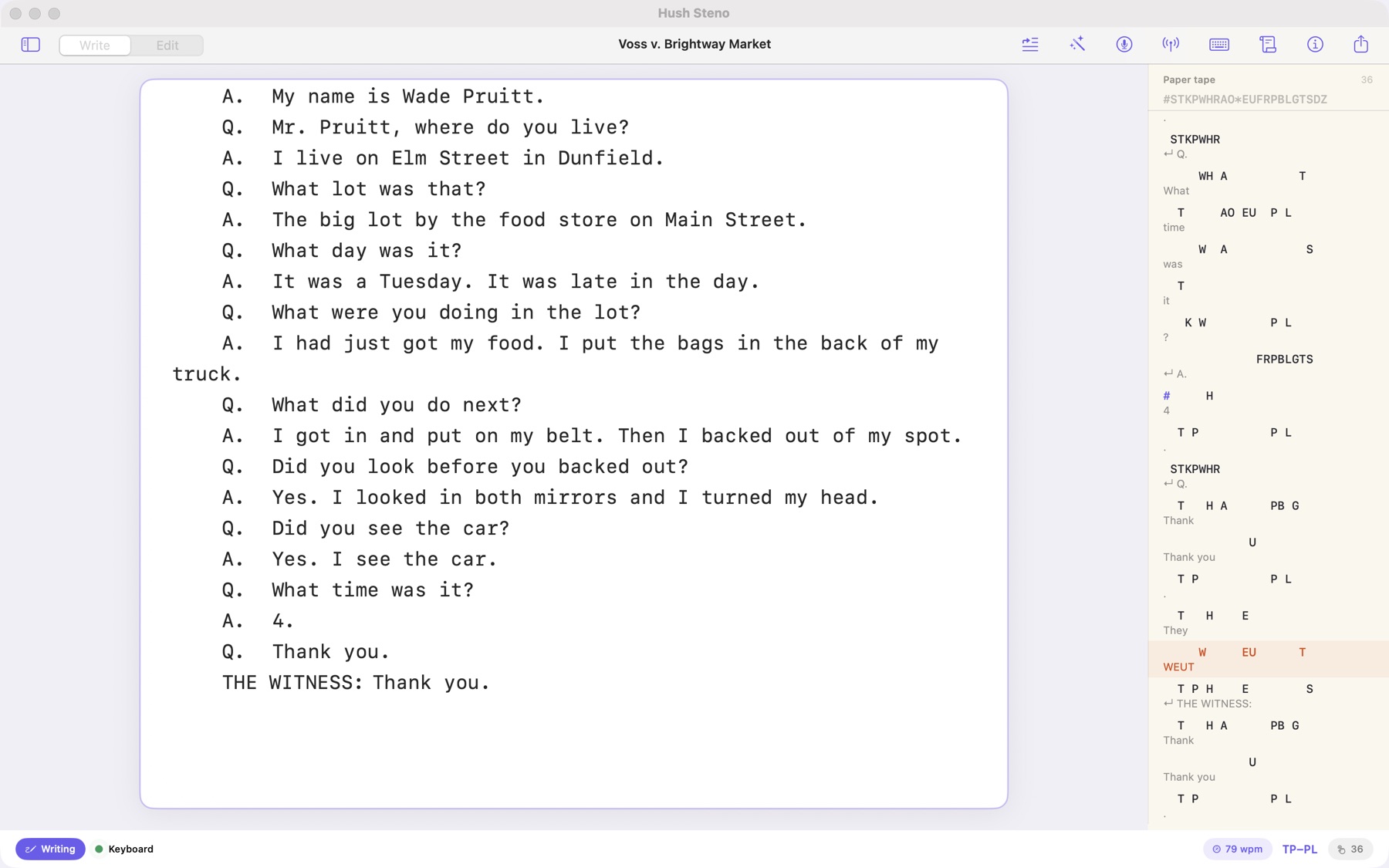
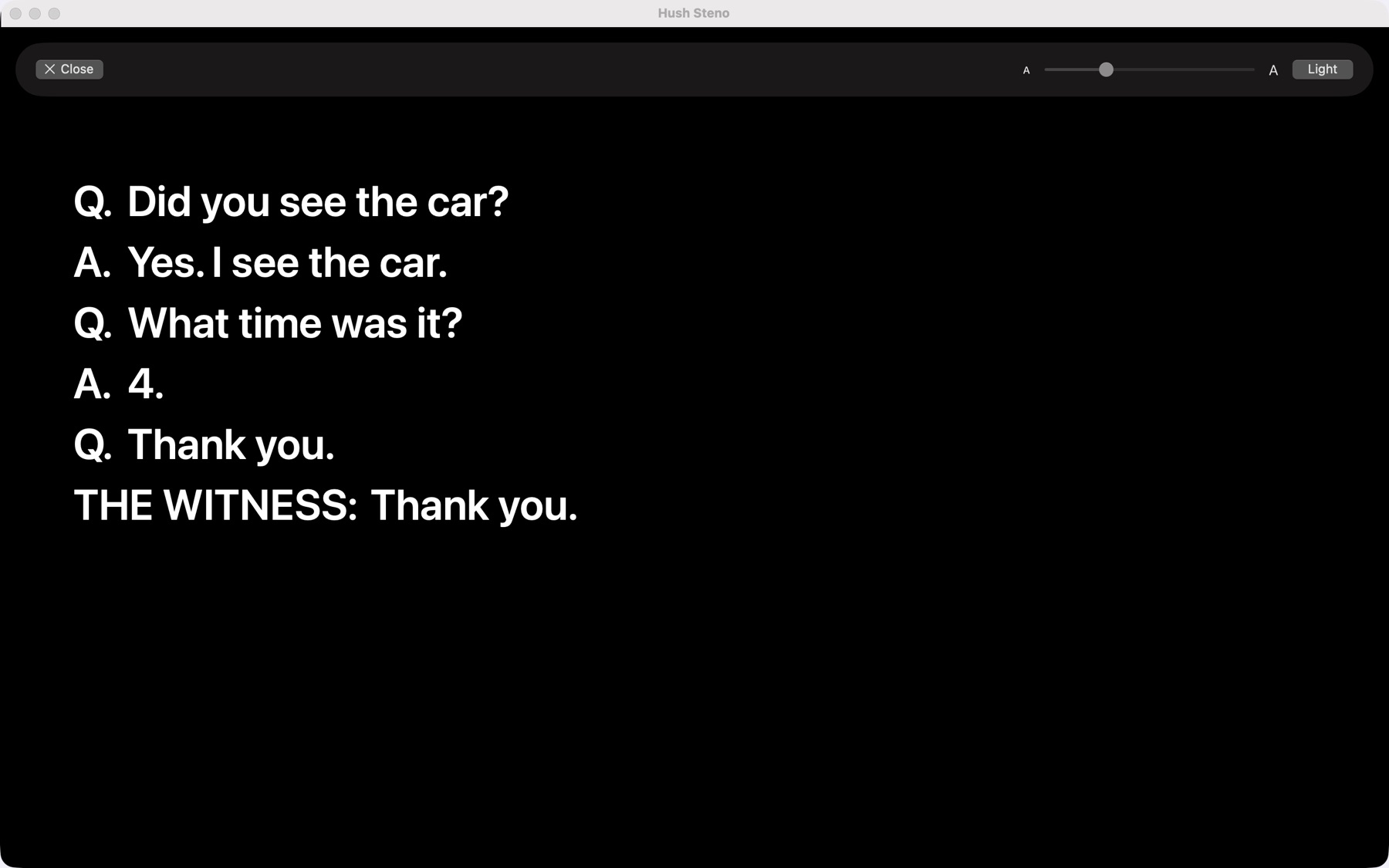
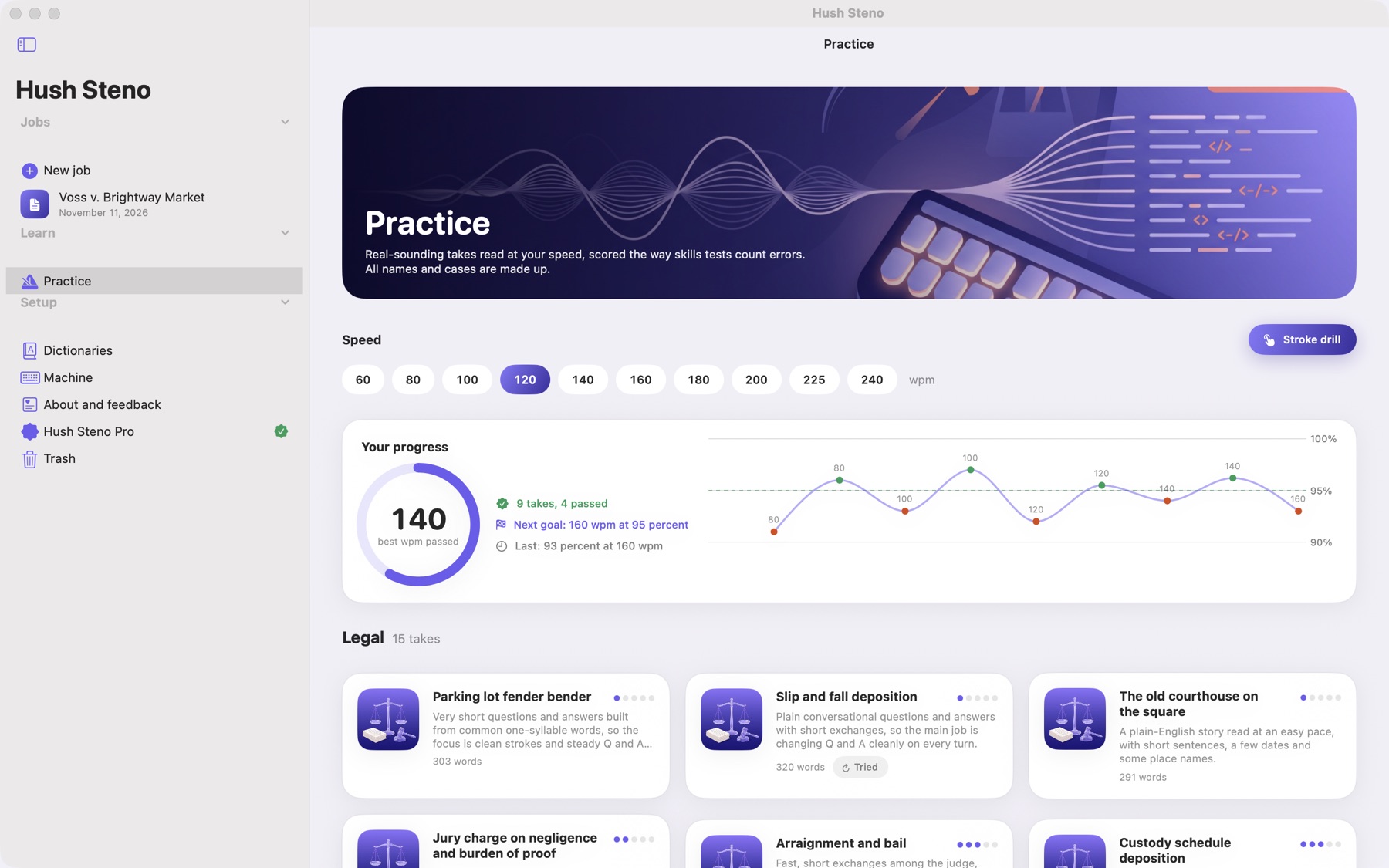
- Q and A, speakers, examinations and exhibits, with an index you can jump through.
- Audio sync: record while you write, and tap any word to hear it. An on-device speech backup shows what was said at any moment, and nothing is sent anywhere.
- Every stroke is saved the moment you write it. If the app or the device stops, the next time you open the job it offers the strokes back.
- Brief suggestions and a live speed meter.
Certified transcripts
- Certified PDF pages of 25 numbered lines, with the caption, the index of examinations and exhibits, and your signed certificate.
- Certify and lock: the delivered PDF and ASCII are kept exactly as delivered, with a fingerprint of each file, and amended copies when you need one.
- ASCII, RTF/CRE with steno and timecodes, a condensed transcript with word index, and rough drafts in Word or plain text.
- English and Spanish transcripts, with P. and R., and a Spanish caption, certificate and index.
Practice
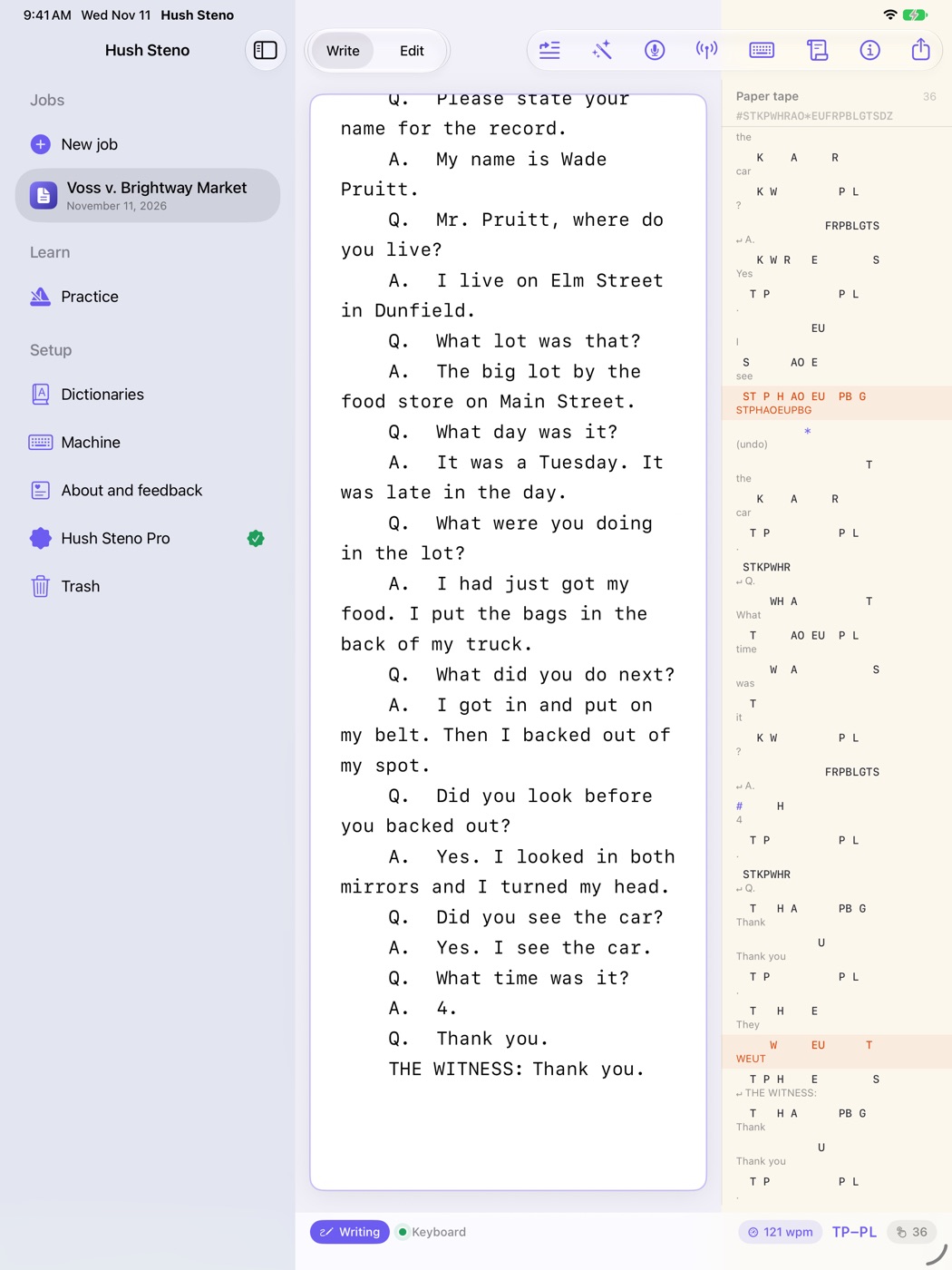
- 34 dictation takes, fictional legal and medical matter in English and Spanish, read at your speed from 60 to 240 words a minute.
- Scored like a skills test, with your trouble words and their outlines, a stroke drill to fix them, and a chart of your progress.
Free, and Pro when you are ready
Free
- Practice, every take and the stroke drill
- The on-screen steno keyboard
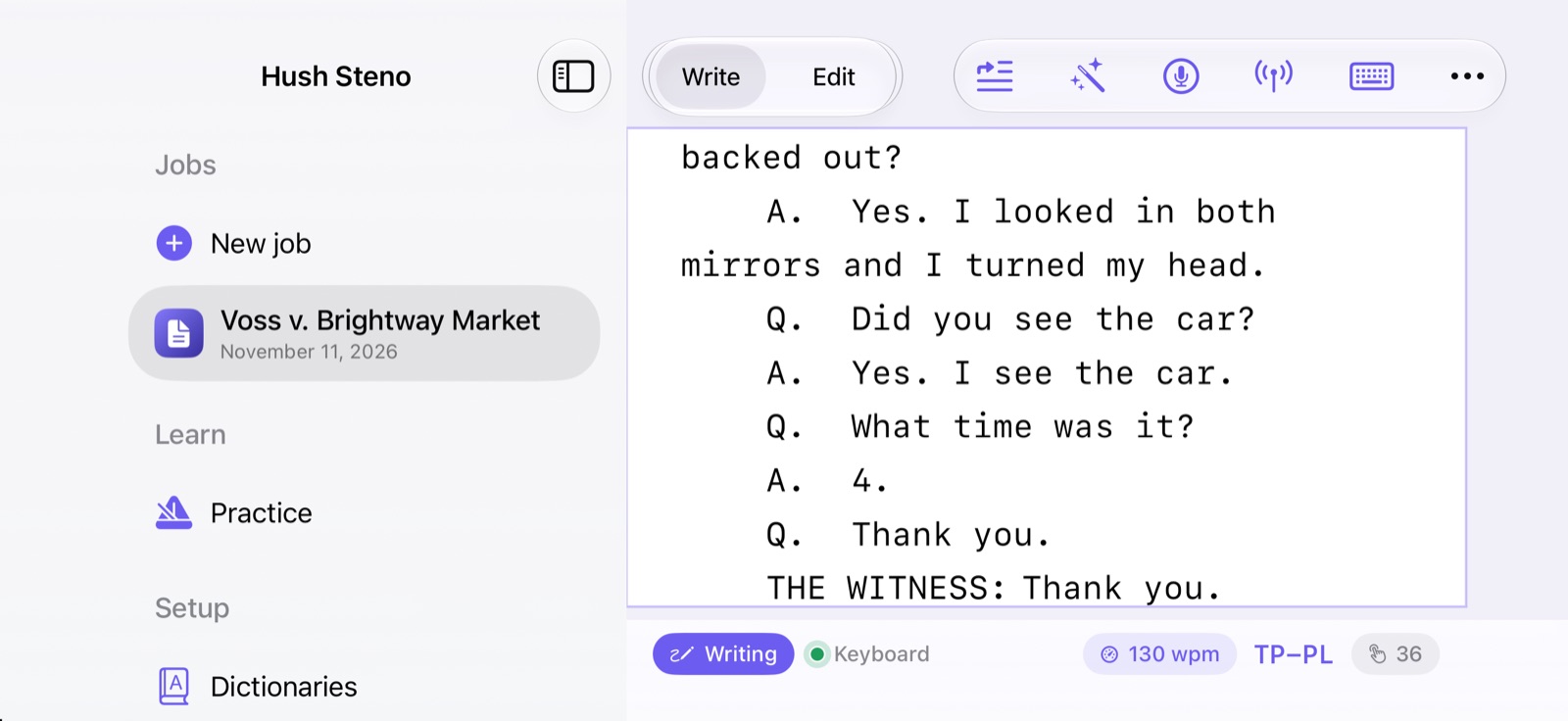
- Writing from your machine and editing
- Dictionaries, import and defining
- Rough drafts and your steno notes
Hush Steno Pro
- Certified exports and certify and lock
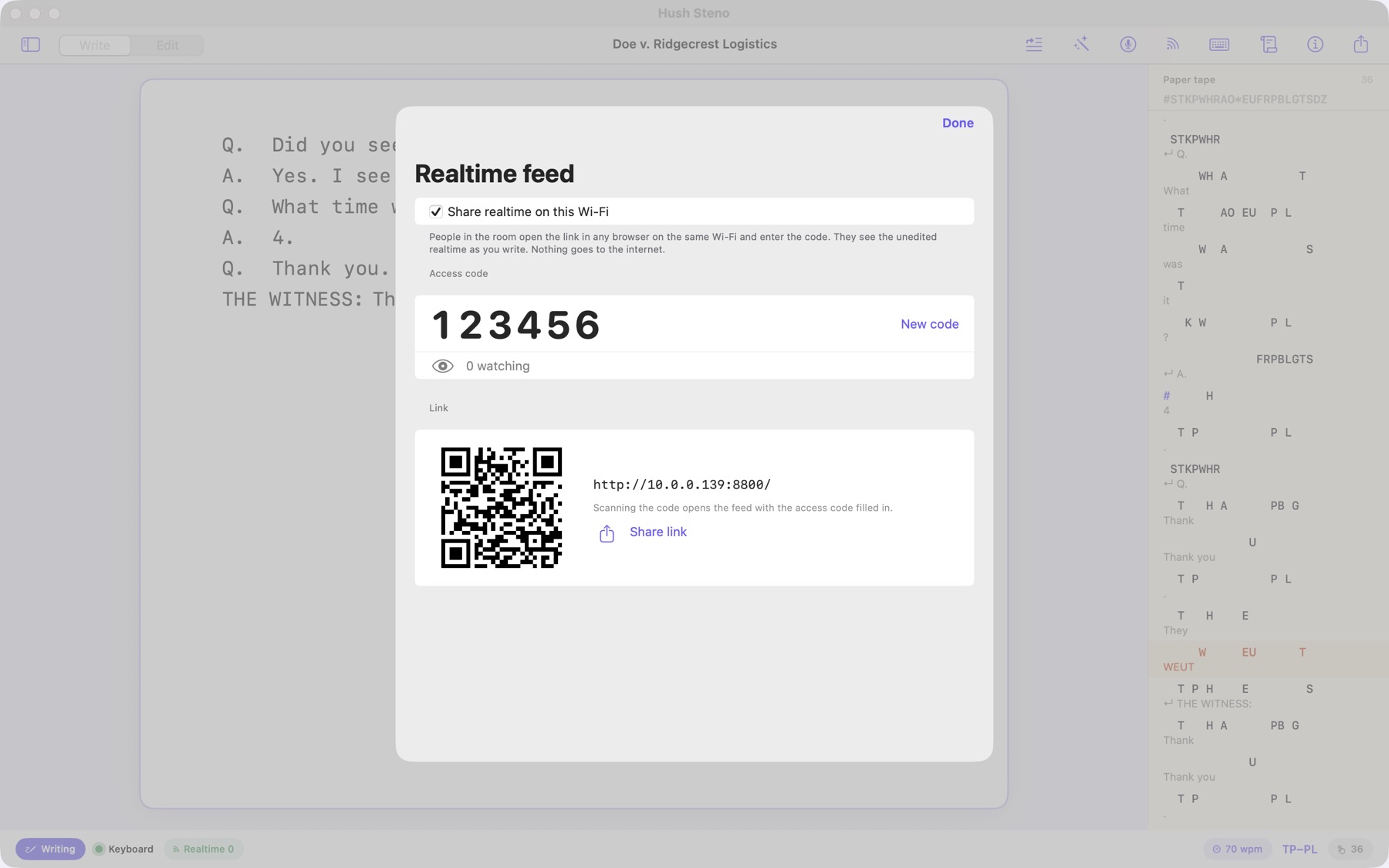
- Realtime to the room
- Captions, Zoom and encoders
- Audio sync and the speech backup
- Backup folder, and USB machines on the Mac
One purchase for iPad, iPhone and Mac. Try everything free for 7 days.
Privacy
Your jobs, audio and steno notes stay on your device. There is no account, no analytics and no advertising, and the App Store lists it as Data Not Collected. The app uses the network only for what you set up: your Stenograph writer on your Wi-Fi, realtime to browsers in the room, caption targets you add, Plover's free dictionary when you tap that button, and the App Store for the purchase. Read the full Hush Steno privacy policy.
Support
The Hush Steno Help guide covers every feature, step by step, with troubleshooting.
Whatever would make Hush Steno work better for you, I am here to do it. Tell me about your machine, your dictionary, an export your court needs, or anything that gets in your way, using the contact form or support@hushminutes.com. A person answers. Never send a transcript or steno notes from a real job; a description is enough.
- My machine is not seen. Keyboard-mode boards need to be set to keyboard (NKRO) mode. A Luminex or Diamante must be on the same Wi-Fi, and Hush Steno needs the Local Network permission. See Connecting your machine.
- A stroke translates wrong. Define it on the fly, or fix it in your dictionary.
- Refunds. Purchases are made through Apple, and Apple handles refunds at reportaproblem.apple.com.