 Hush Minutes
Hush Sweep
Finds the card numbers, bank details, ID numbers, keys and passwords sitting in your files. Read on your Mac; nothing is changed, uploaded, or written down.
For Mac (macOS 14 or later). US$4.99 once: no account, no subscription. Coming soon to the Mac App Store.
What it looks for
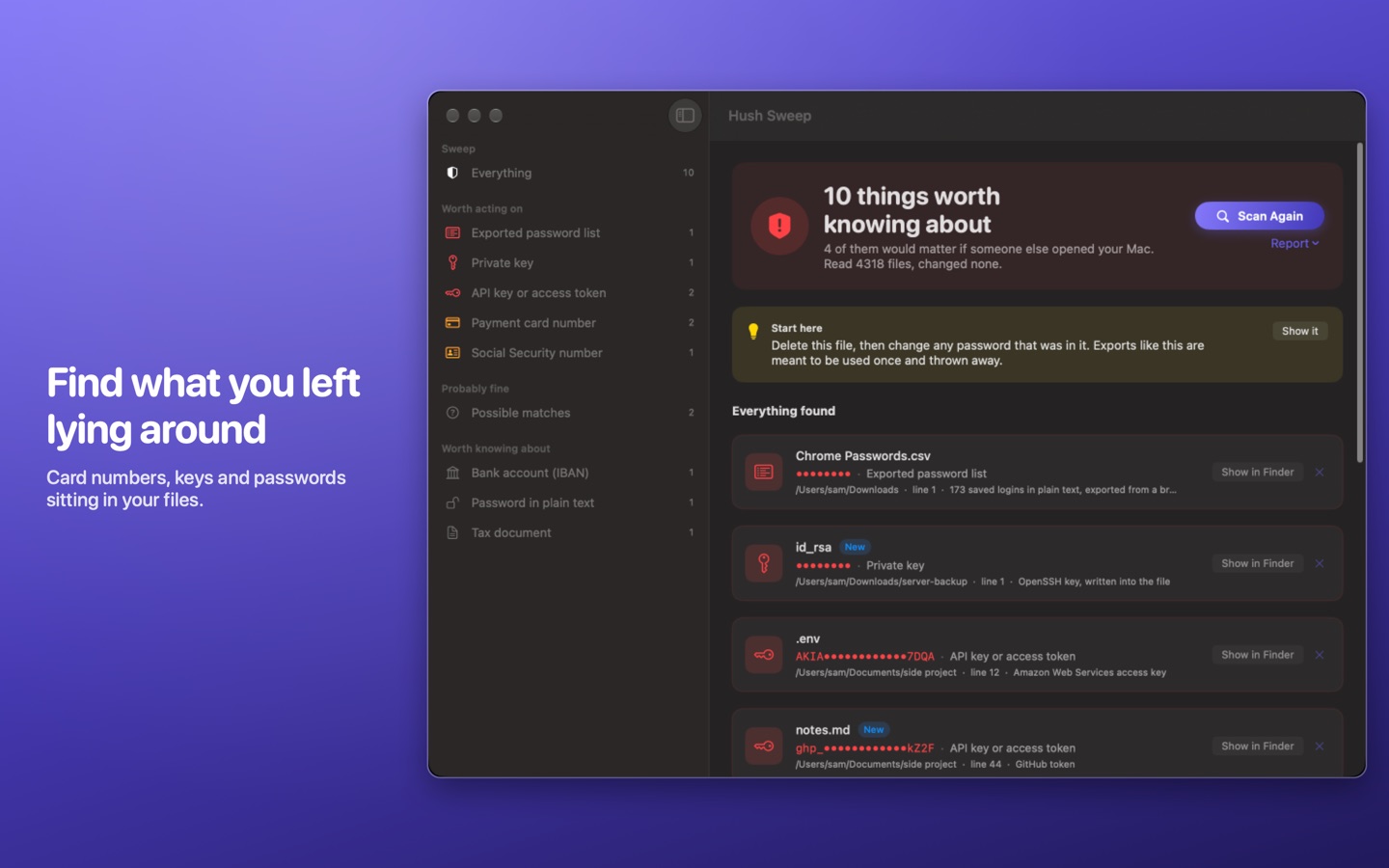
- Payment cards, verified by their checksum, so an order number is not mistaken for a card.
- Bank details: IBANs and US routing numbers.
- Identity numbers: Social Security numbers and other ID numbers.
- Keys and tokens: private keys, API keys and access tokens.
- Passwords saved as plain text, and password lists exported from a browser.
- Tax documents, and text inside screenshots, read on your Mac.
How it works
- You choose where it looks. Pick the folders once. Choosing your home folder covers Downloads, Desktop and Documents.
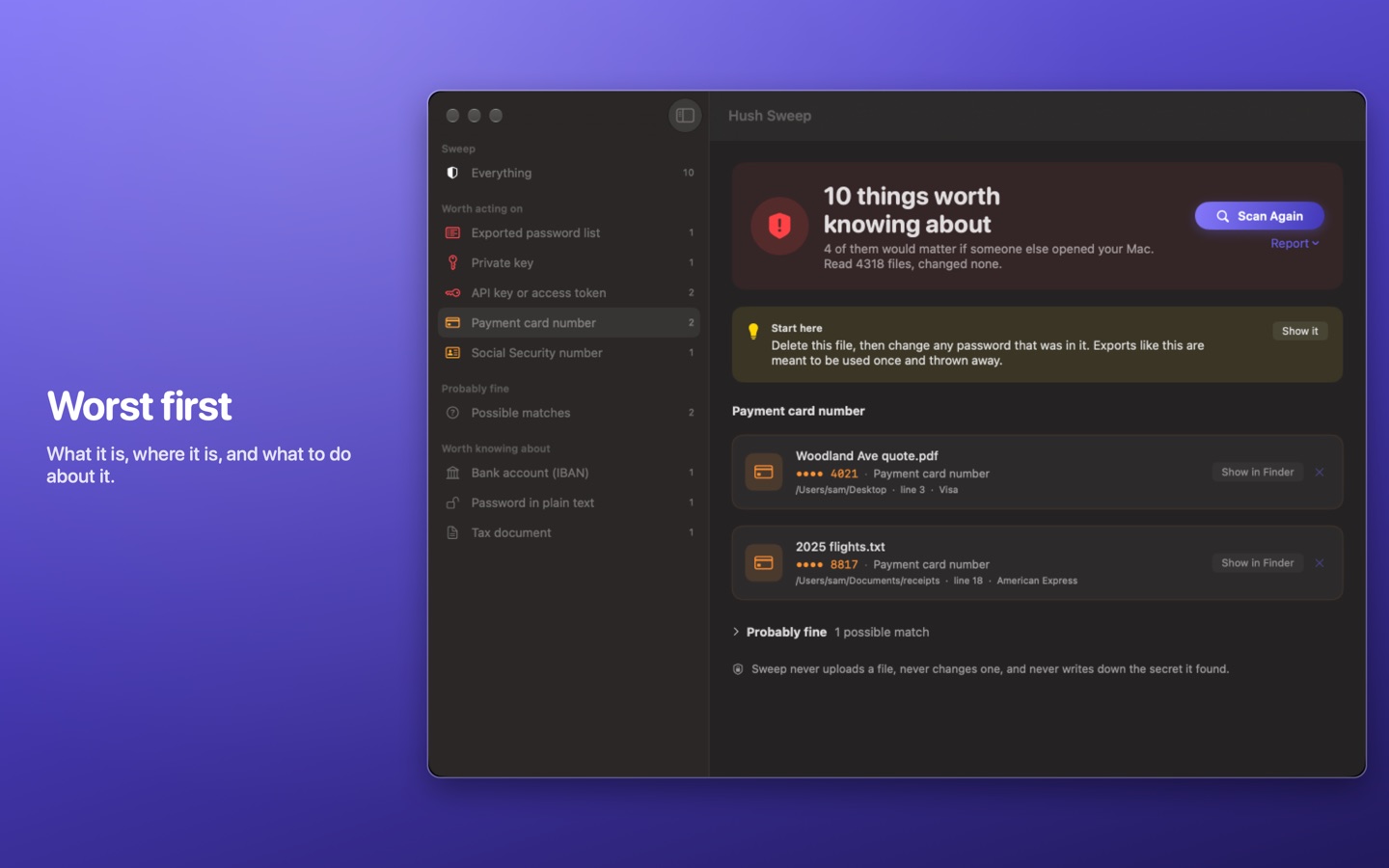
- Worst first. It sorts what it finds by how much it would matter if someone else opened your Mac, and says what to do about each.
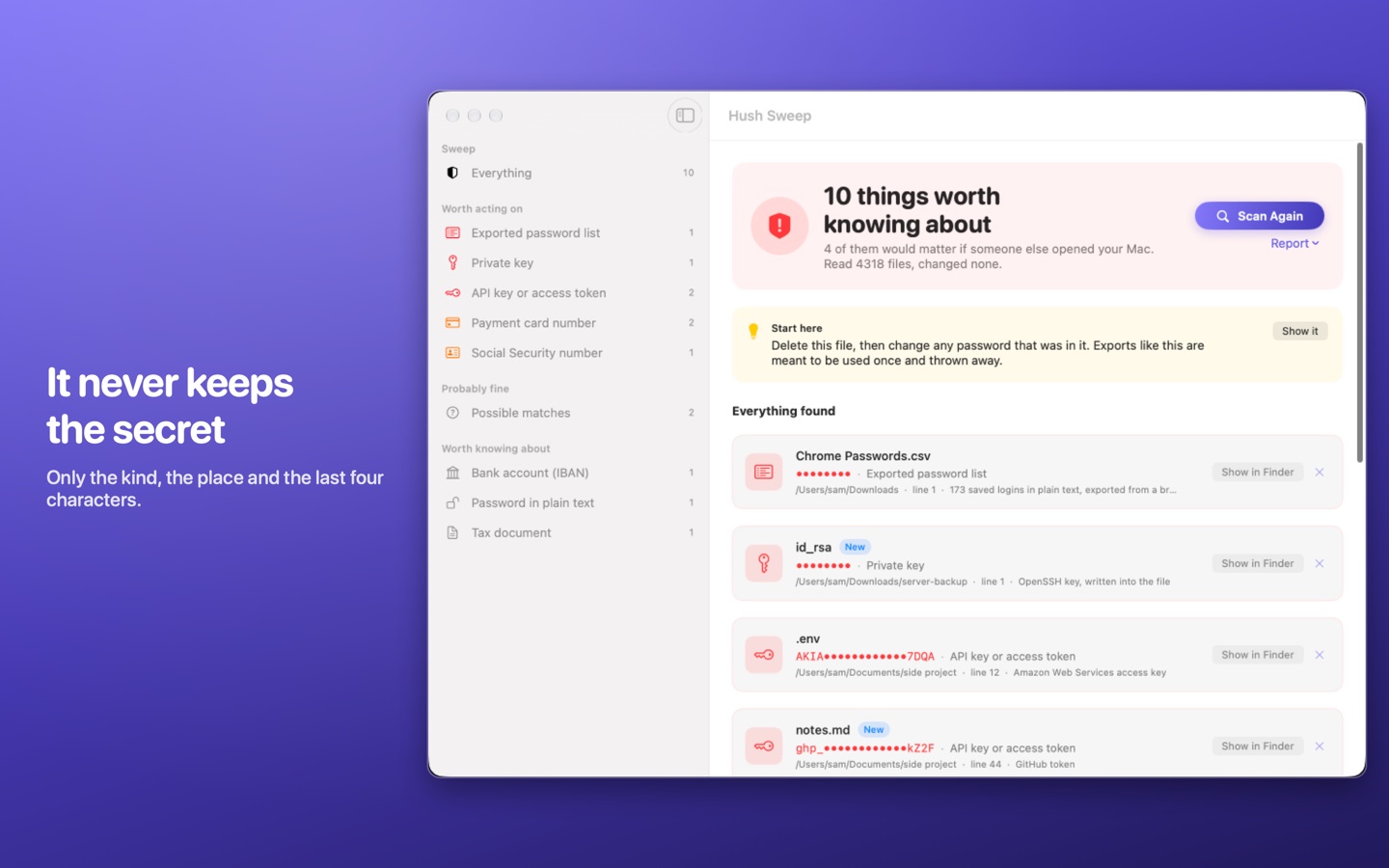
- It never keeps the secret. A finding keeps only its kind, its place and the last four characters.
- It changes nothing. Files are only read. You decide what to delete or move.
- It can keep watch for new files, if you want it to.
Privacy
Hush Sweep reads your files on your Mac and nowhere else. It never changes or uploads a file, and the App Store version makes no network connection. There is no account, no analytics and no advertising, and the App Store lists it as Data Not Collected. Read the full Hush Sweep privacy policy.
Support
Write to support@hushminutes.com or use the contact form, and say it is about Hush Sweep. A person answers. Never send us a secret it found; a description is enough.
- It did not look where I expected. Check that folder is one you chose in the app. It can only read folders you have picked.
- It flagged something harmless. Dismiss the finding in the list. Numbers that only look like cards or IDs are listed as possible matches.
- Refunds. Purchases are made through Apple, and Apple handles refunds at reportaproblem.apple.com.