 Hush Minutes
Fix My Wi-Fi
Says what is wrong with your Wi-Fi in plain words, and the one thing to try. Then shows whether the fix helped.
For Mac (macOS 14 or later), iPhone and iPad (iOS 17 or later). Free on iPhone and iPad, with nothing locked. Free to download on Mac, with one optional US$9.99 unlock: no account, no subscription, no ads. On the App Store now for iPhone and iPad; the Mac version is coming soon.
What it tells you
- One number and one sentence. A calm score out of 100, what is holding it back, and the one thing to try.
- Which device is to blame. Open it on two of your devices and Compare tells you whether the trouble is one of them or the router.
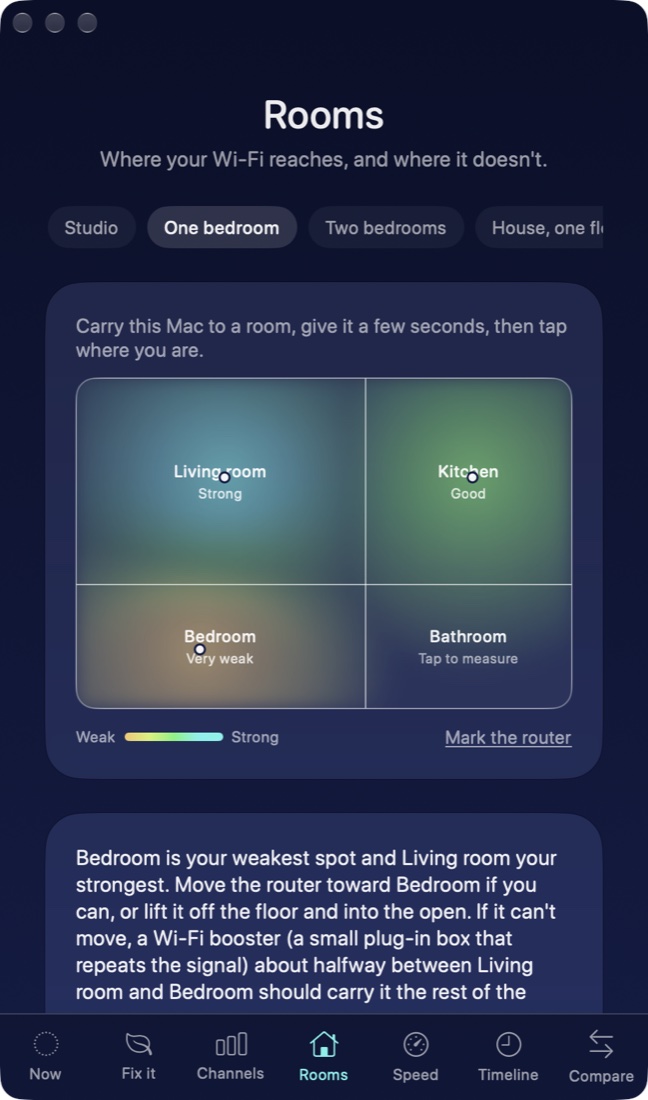
- Where your Wi-Fi reaches. Pick a floor plan, carry your Mac from room to room, and tap where you are.
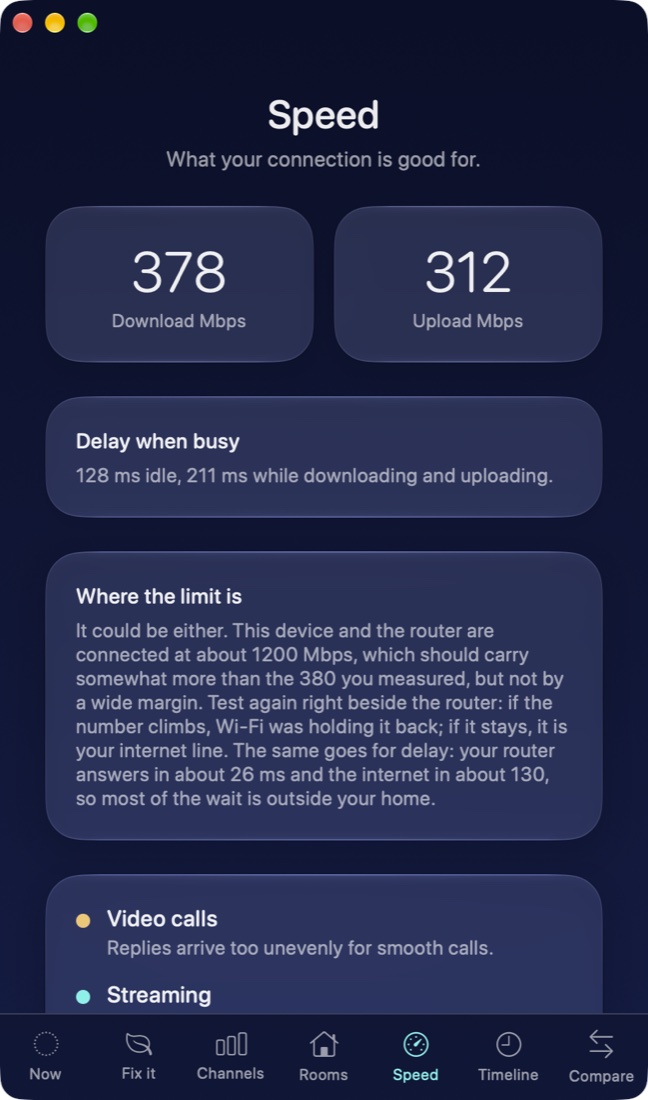
- Wi-Fi or your internet line. After a speed test, the Mac app says which one is the limit.
- Drops. The Mac app notices when your connection goes away and comes back, and lists when.
- Whether a fix worked. Say when you are about to try something. It compares before and after and tells you honestly.
What is free, and what the Mac unlock adds
- iPhone and iPad: everything is free. There is nothing to buy.
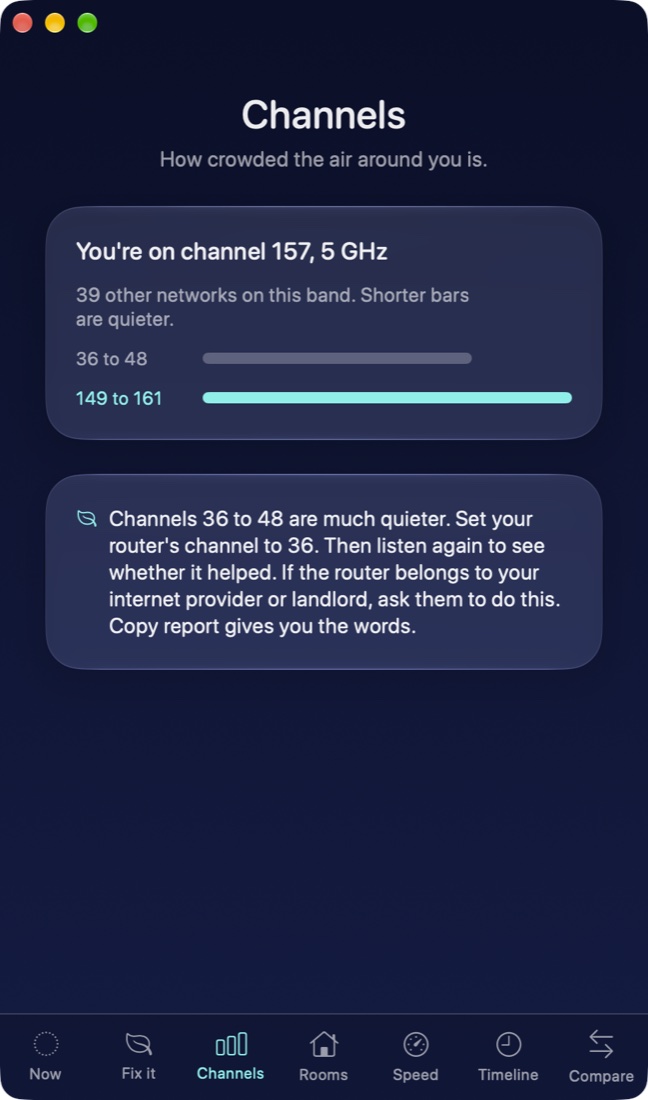
- Mac, free: the score, what is wrong and the thing to try, channels, speed, today's timeline, and the room survey on standard floor plans (four spots per plan).
- Mac, the US$9.99 unlock, paid once: each fix walked through step by step with proof that it helped, Compare, quiet alerts, your full timeline, your own floor plan picture and as many spots as you like.
What it cannot do on iPhone and iPad
Apple does not let any app on iPhone or iPad see signal strength, channels or neighboring networks. On those devices the app measures how steadily your router answers, your speed, and the path to your other devices, and says plainly what it cannot see. The Mac app sees everything.
Privacy
Fix My Wi-Fi collects nothing about you or your network. There is no account, no analytics and no advertising. A speed test connects to a public speed server, and Compare talks only to your own other device on your own network. Read the full Fix My Wi-Fi privacy policy.
Support
Write to support@hushminutes.com or use the contact form, and say it is about Fix My Wi-Fi. A person answers. In the app, Copy report gives you a plain summary you can paste into your message.
- It cannot see my network's name. Apple treats a Wi-Fi name as location data. Allow Location for Fix My Wi-Fi in Settings. It never reads where you are.
- "Your router didn't answer me." Allow Local Network for Fix My Wi-Fi in Settings, then listen again.
- I cannot change my router. If it belongs to your internet provider or landlord, send them the copied report and ask them to make the change.
- Refunds. Purchases are made through Apple, and Apple handles refunds at reportaproblem.apple.com.